Minimum Version Required: 23.01
Pre-Conditions
The following workflow assumes you already have an existing customer record.
Steps
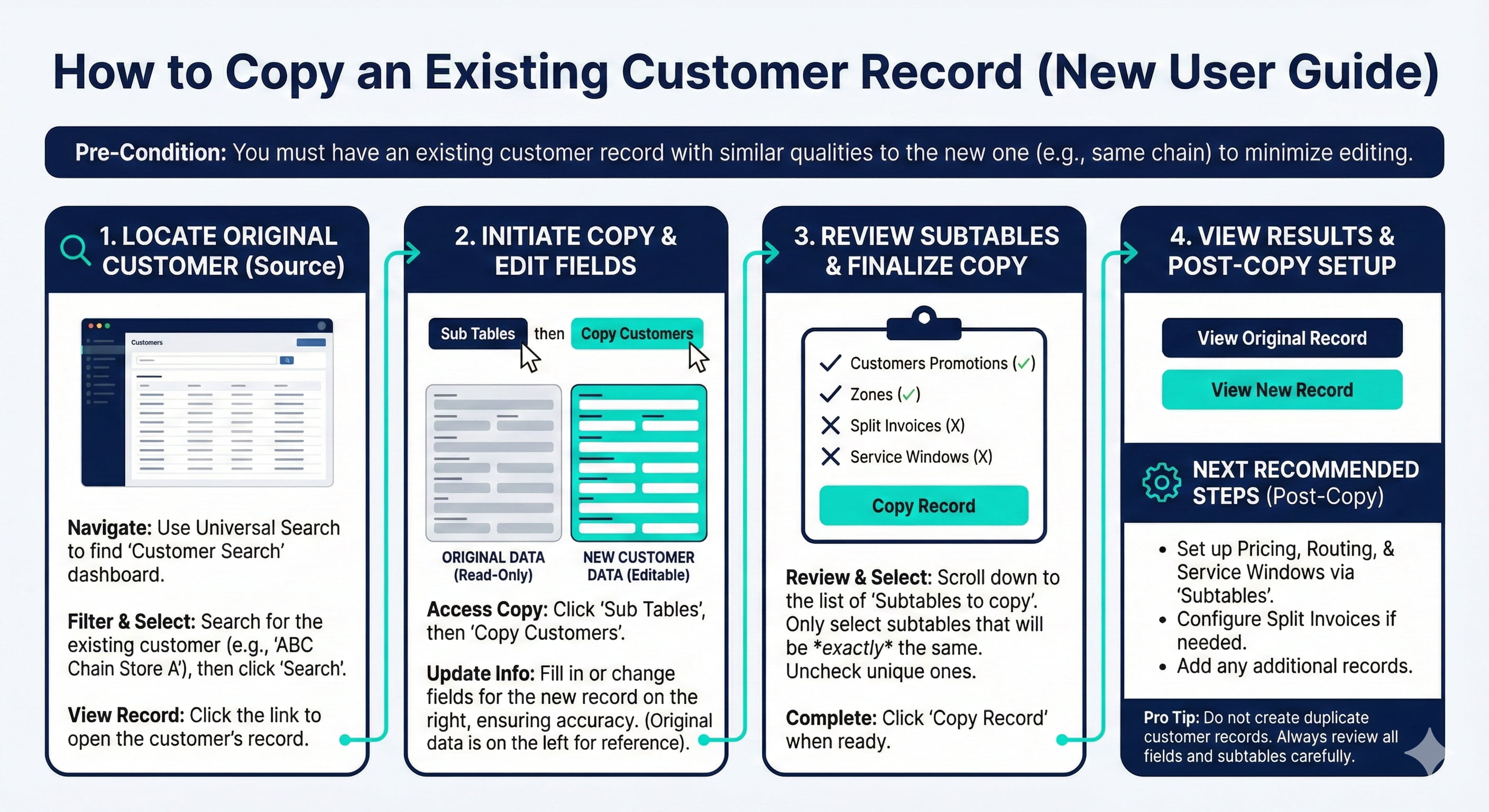
How to Copy an Existing Customer Record
1. Using Universal Search, navigate to the Customer Search dashboard
2. Filter to the existing customer then click Search
3. Click the link to view the Customer record
4. Click Sub Tables then click Copy Customers
5. Fill in or change the fields that will be different from the existing customer record
6. Select Sub Tables to copy then click Copy Record
7. Here you can view the Original and New Record
Best Practices
Copy a Customer that has as many similar qualities as possible to limit the amount of editing and ensure accurate setup.
It is typically not recommended to copy unless the new customer shares many of the same attributes such customers in the same chain.
Do not create Duplicate Customer records.
Review all of the available subtables to copy before completing the Customer copy. Depending on the scenario, some of the default selected Subtables will need to be unchecked.